
Enhance your connection with your new Wi-Fi extender
What is a Wi-Fi 6 extender?
A Wi-Fi 6 extender is a device that extends the coverage of your Wi-Fi network, providing a fast and stable connection throughout your home. It helps eliminate dead zones and ensures optimal internet performance in every room.

What you'll need for installation
Before you begin, make sure you have:


Installation Steps
Follow these simple steps:
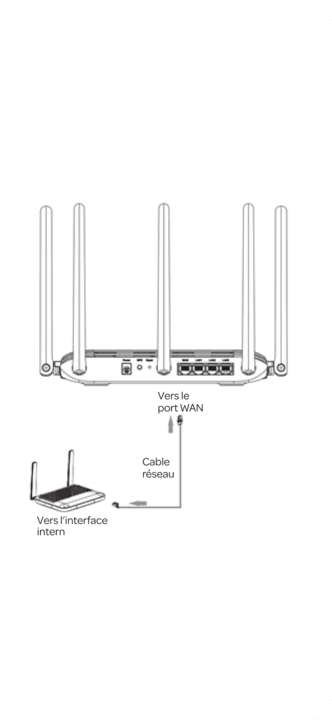
Connect the ethernet cable
Connect one end of the ethernet cable to your Wi-Fi 6 router and the other end to your Wi-Fi 6 extender.
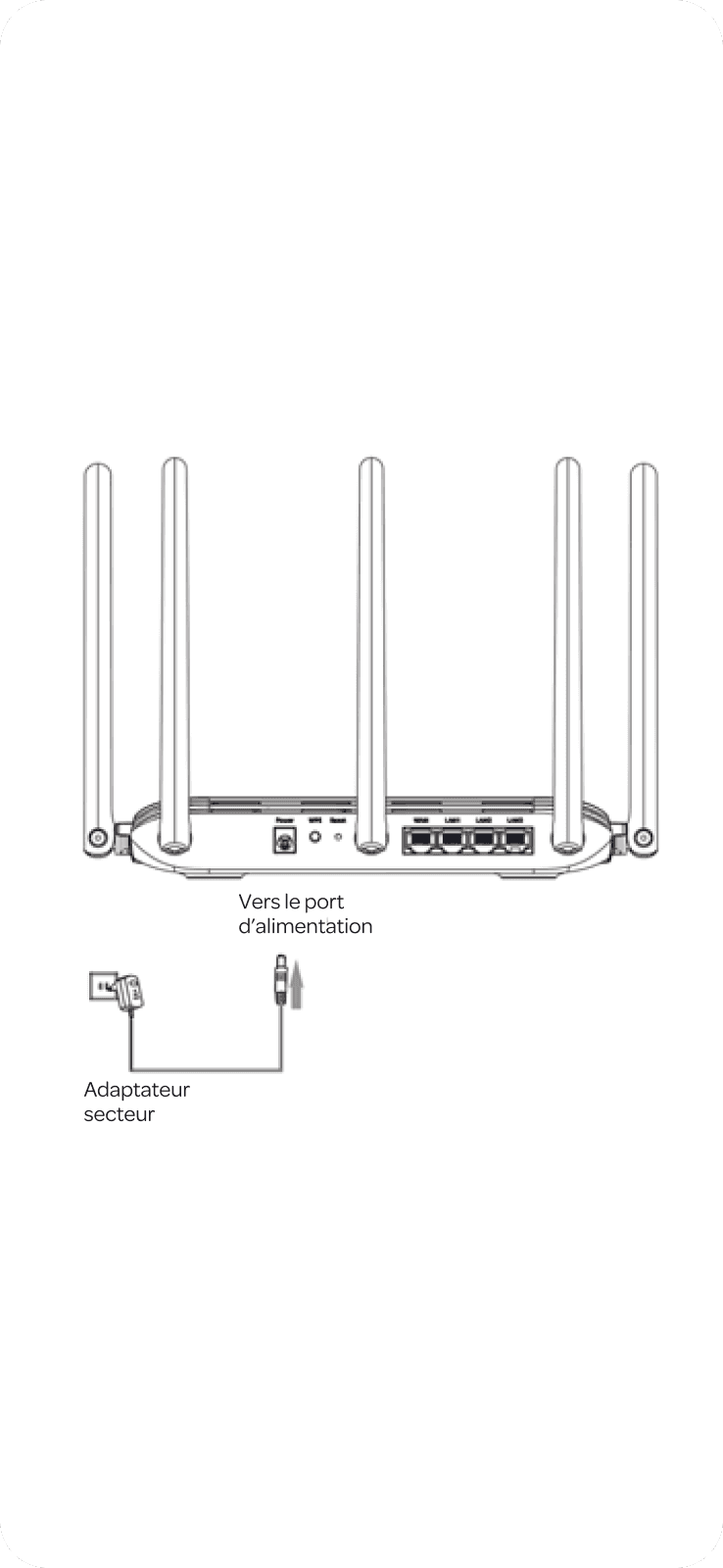
Power on the access point
Plug the extender into a power outlet and wait for the LED indicators to light up.
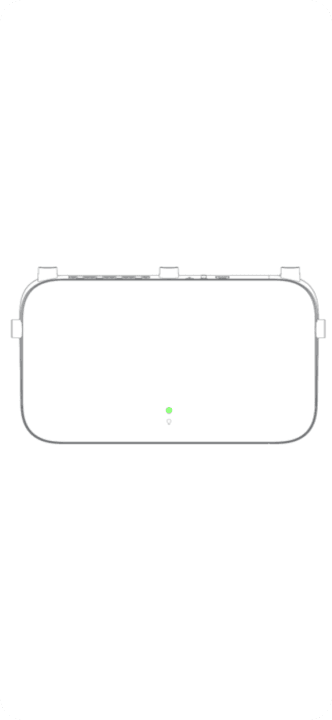
Turn on the extender
Press the Power button to switch on the extender. Wait 2 to 3 minutes for the device to initialize. Once the LED starts flashing green, the extender is ready.

Installation complete!
No additional configuration is required. Your connected devices should automatically connect to the extended Wi-Fi network. .
Take your home Wi-Fi experience even further
For the best possible home Wi-Fi experience, explore our range of complementary devices designed to enhance your network coverage and performance.